

Code files you can edit
.R, .py, .jl, .m, .sh, .sql, .sas, .js, .ts, .json, .yaml, .yml and .toml.
To create one, in the project’s Writing tab click New file and choose .R or .py, or upload your files.
Code files uploaded before Milton 1.6 stay as plain files. Upload them again to edit them in Milton.
Before you run a script
R or Python must be installed on your device. Milton finds them by itself. To choose a specific one, go to Settings → Preferences → R and Python and click Choose…. A missing one shows “Not found”.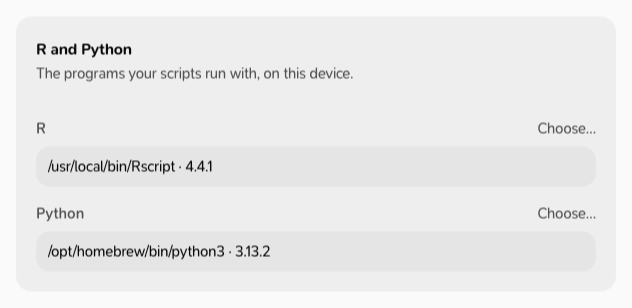
Run a script
- Open a
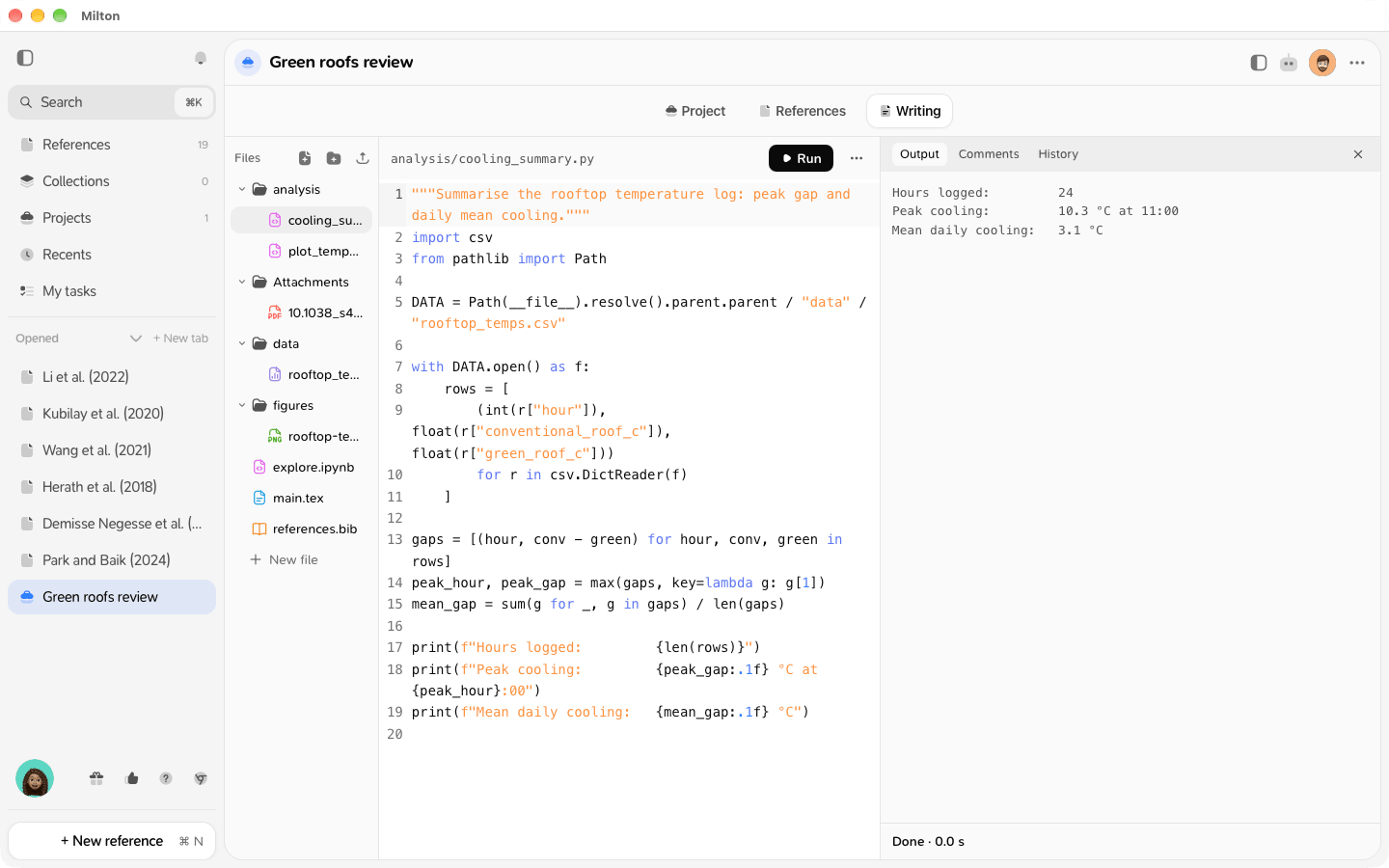
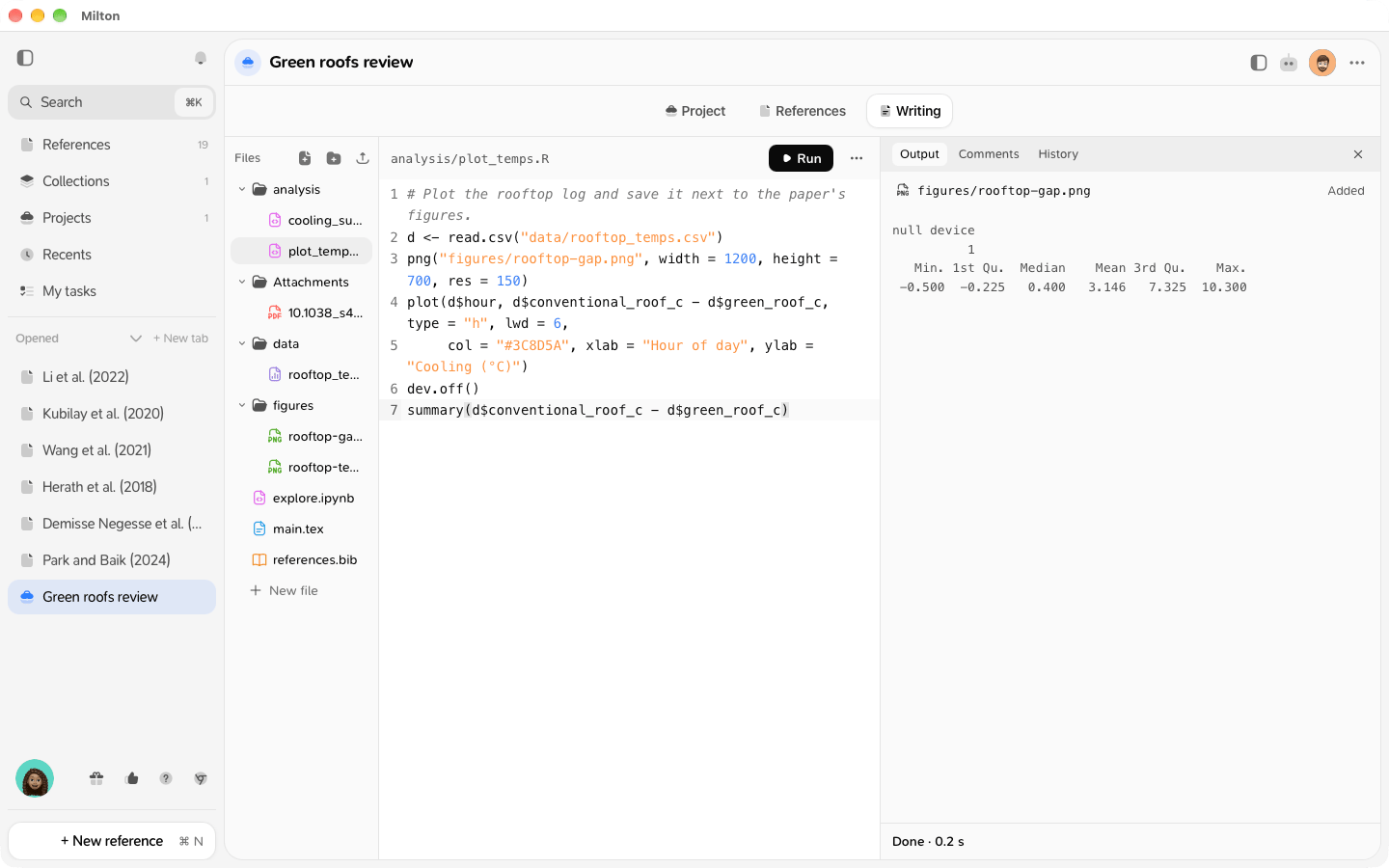
.Ror.pyfile. - Click Run. It becomes Stop while the script runs.
- The Output tab shows what the script prints, whether it finished (“Done · 1.2 s”, “Failed (exit code 1)”…), and the files it produced.
Safety
Scripts run on your device. If a co-author or the agent changed the code since you last ran it, Milton asks first, in a Run code? window: “Name changed code in this project (files). Run it on this device?” Click Run or Cancel.Good to know
- Running scripts is free.
- In a shared project, adding the files a script produces (images, data) needs a subscription, and viewers can’t add them. Otherwise they show “Kept on this device”.
- If R or Python is missing, Milton says so, for example “Python is not installed on this device. Install it from python.org, then press Run again.”, with a link to Settings.