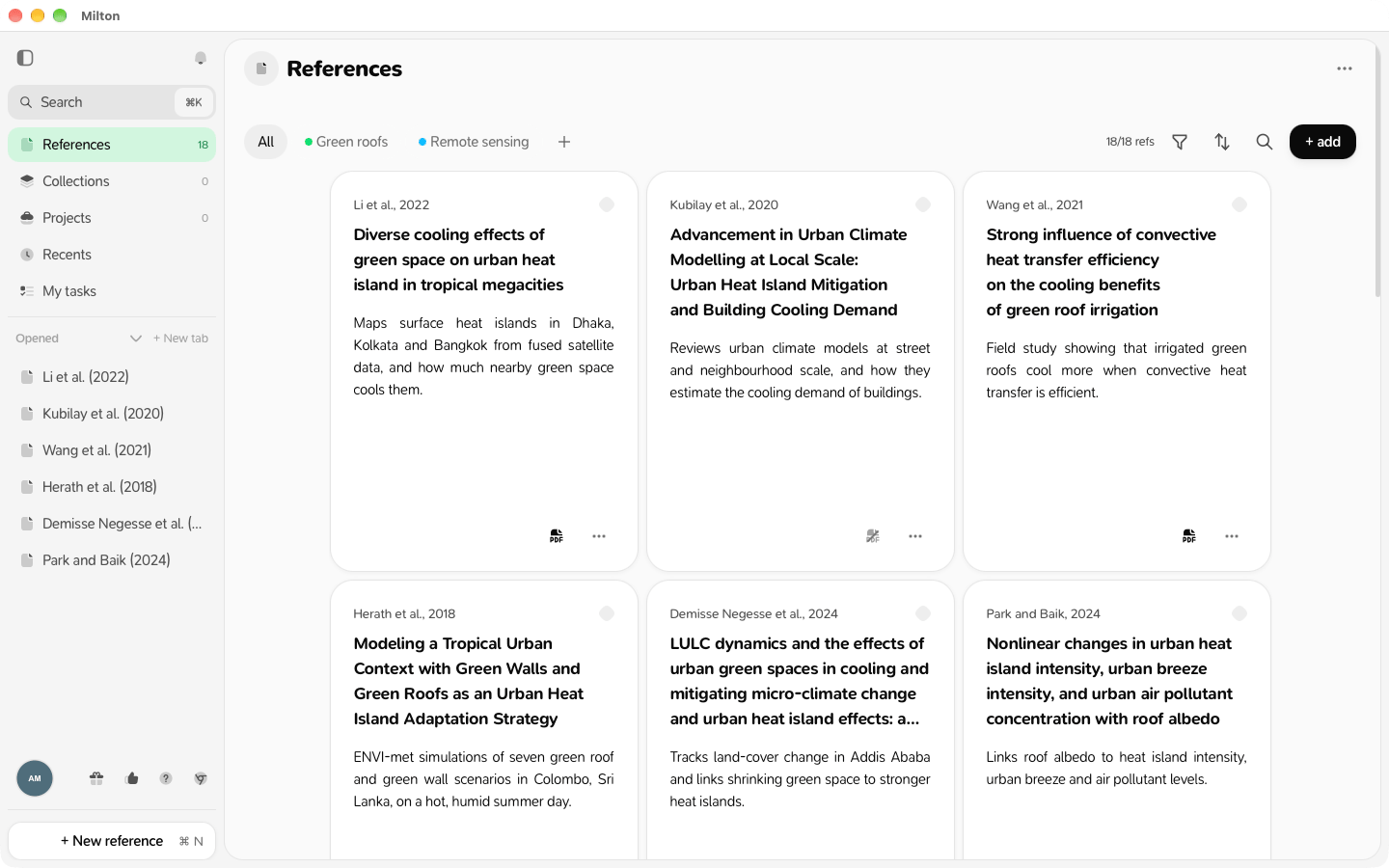
1. Bring in the references you already have
Pick the one that matches where your references are today:From Zotero
Connect your Zotero account and import everything, PDFs, notes and highlights included.
From a BibTeX or RIS file
Mendeley, EndNote, JabRef, Papers… export a file and import it.
One at a time
Paste a DOI, an arXiv link or a PDF link, or fill in the details yourself.
From your browser
Save the article you’re looking at with the browser extension.
2. Organise them
- Group references by topic in collections.
- Gather everything for a piece of work (a paper, a thesis chapter, a grant) in a project.
- Save a filter and a sort as a view so you can come back to it in one click.
3. Read and take notes
Open a reference to read its PDF and highlight it, and write your thoughts in its notes.