

Tag a reference
Open the reference’s Info tab and type in Tags. You can also add tags when you import, and from the browser extension.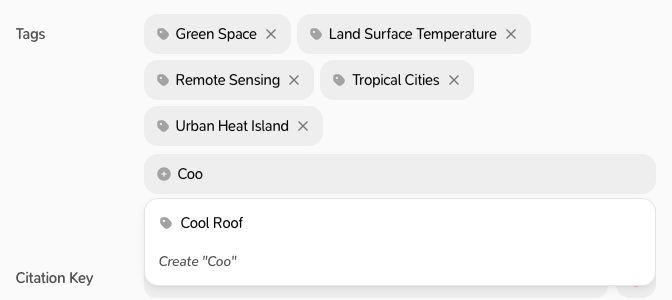
Manage your tags
Go to Settings → Tags to search, create (New tag…), rename or delete tags. Renaming a tag changes it on every reference.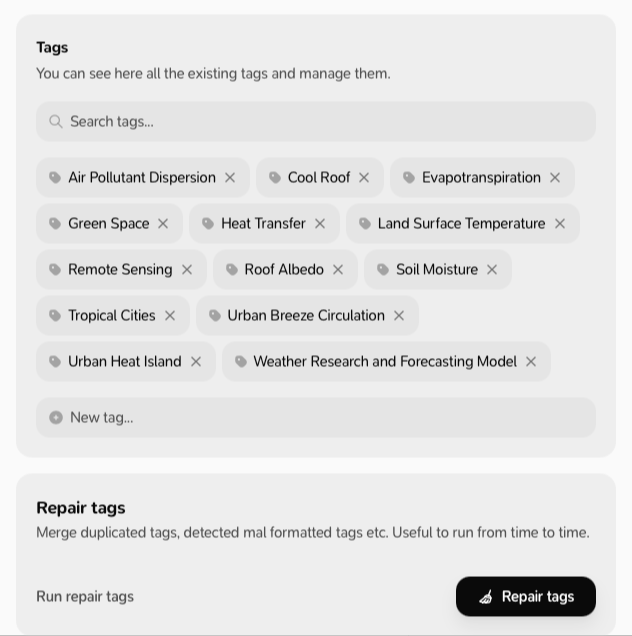
Tag your whole library automatically
With a subscription, in Settings → Tags:- Auto-tag my library: click Auto-tag. Milton reads each reference (title, abstract and PDF) and adds tags. Each reference is tagged once. Click Stop to stop.
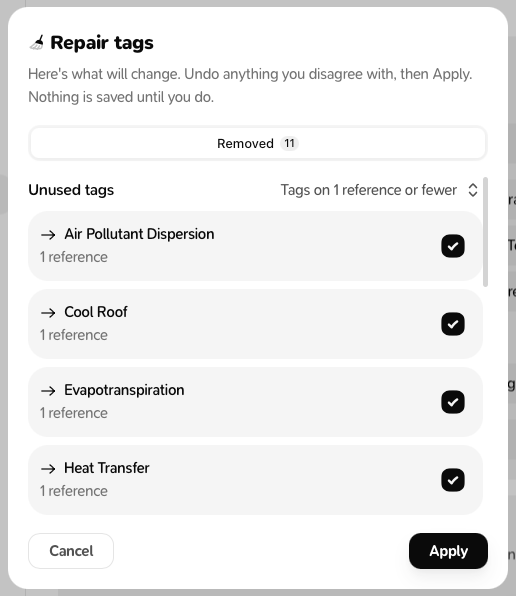
- Repair tags: click the Repair tags button. Milton finds duplicate, badly formatted and unused tags and shows you the changes. Untick what you want to keep as it is, then click Apply. Nothing changes before you click Apply.
Both tools use AI and spend AI credits. Auto-tag starts spending as soon as you click it; the card first tells you how many references have never been auto-tagged. On the free plan, both tools show “…is a paid feature.”