

Check your backup
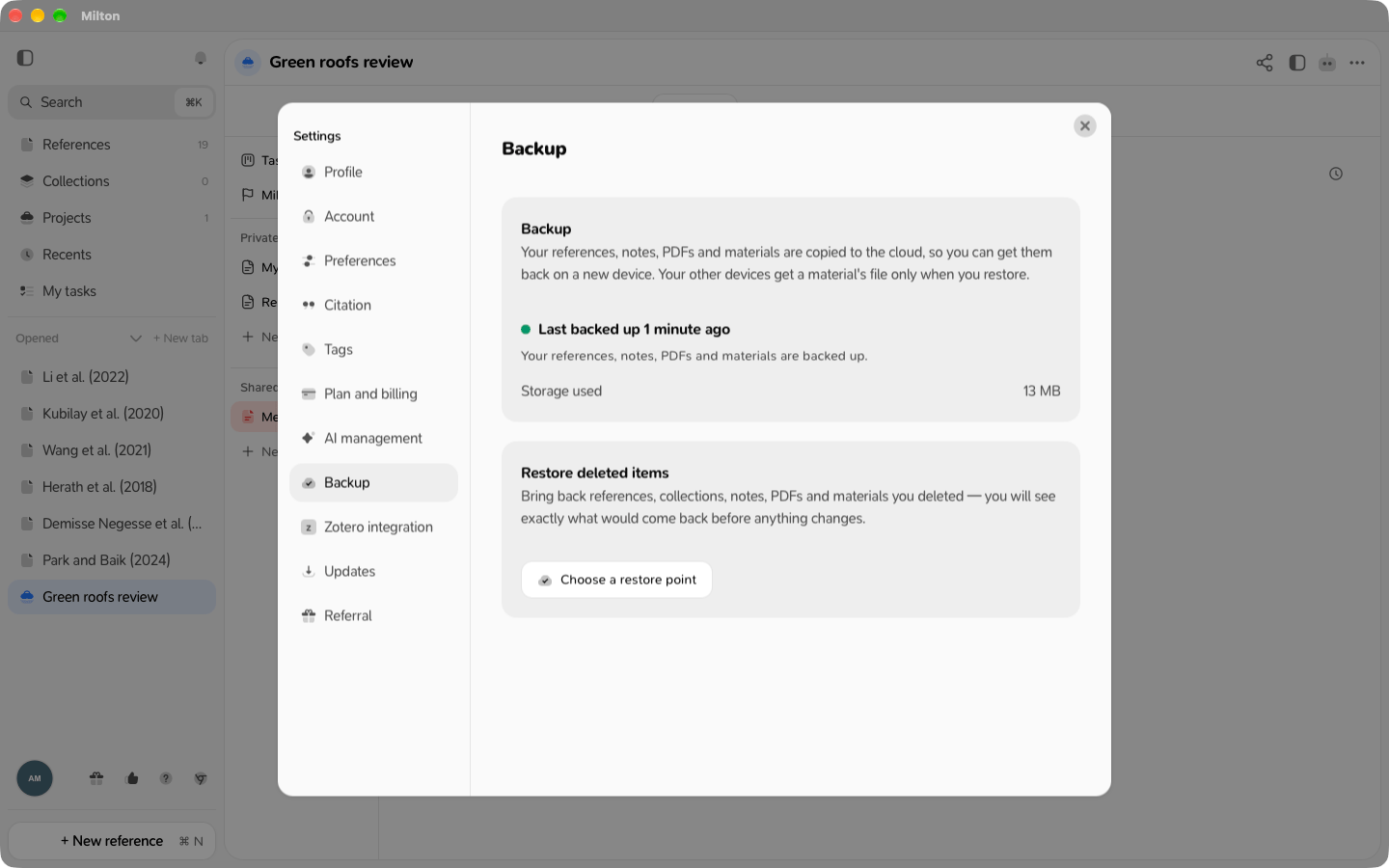
Go to Settings → Backup. The top of the page tells you where things stand:
Storage used shows how much cloud space your PDFs and materials take.
Sync between your devices
Sign in with the same account on each device. Changes you make on one device appear on the others within a few minutes, as long as both are online. There’s no sync button. Your references, notes, highlights, collections and projects sync this way. Material files also download by themselves on your other devices, a few minutes after they’re backed up. In a shared project, your co-authors’ PDFs download by themselves too. Your own PDFs are different: they’re downloaded to another device only when you restore your library on it. Milton offers that restore when you sign in on a device with no references yet.When the same thing changes on two devices
- For most details (title, tags, etc.), the latest change wins.
- If you edit the same note on two devices before they sync, Milton keeps both versions. They’re listed in Settings → Backup under Notes edited in two places. Choose which version each note keeps; nothing is deleted.