If Milton feels slow
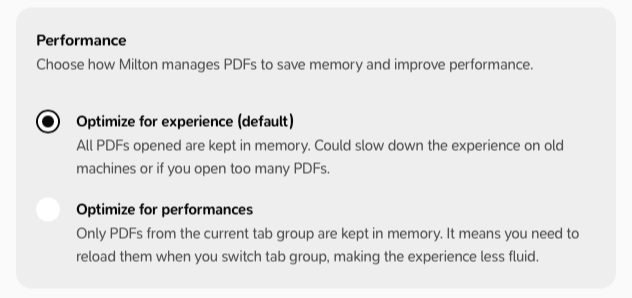
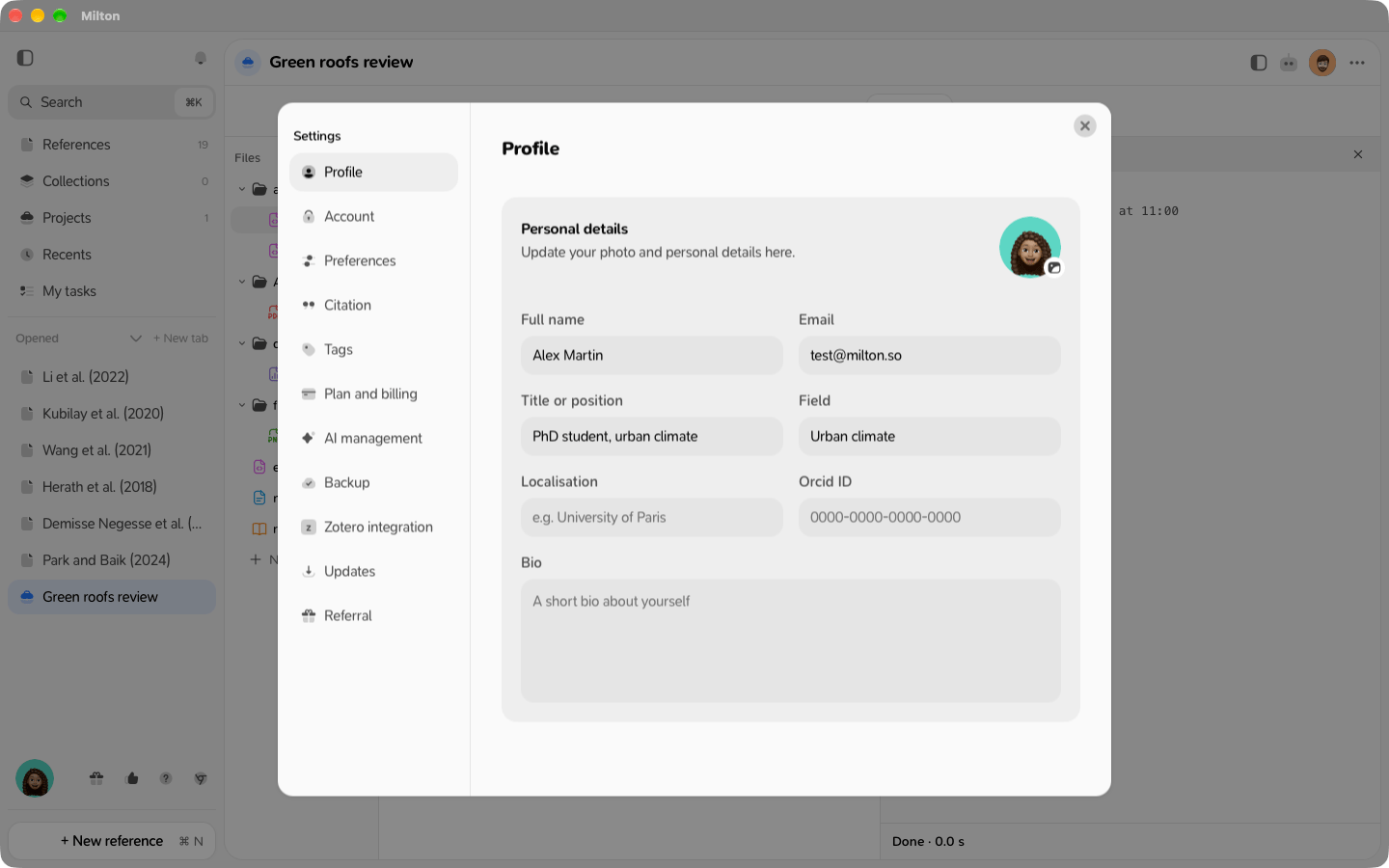
Milton keeps every PDF you’ve opened in memory, so switching between them is instant. With many PDFs open, or on an older device, this can slow things down. In Settings → Preferences → Performance, choose Optimize for performances. Milton then keeps only the PDFs of the current tab group in memory. PDFs in other tab groups reload when you switch back to them.