

Share your code
- Click the gift icon (Refer a friend) at the bottom of the sidebar, or open the profile menu and click Refer a friend.
- Copy your Referral code or your Referral link (
milton.so/r/…), or click Invite by email and send an invitation from Milton.
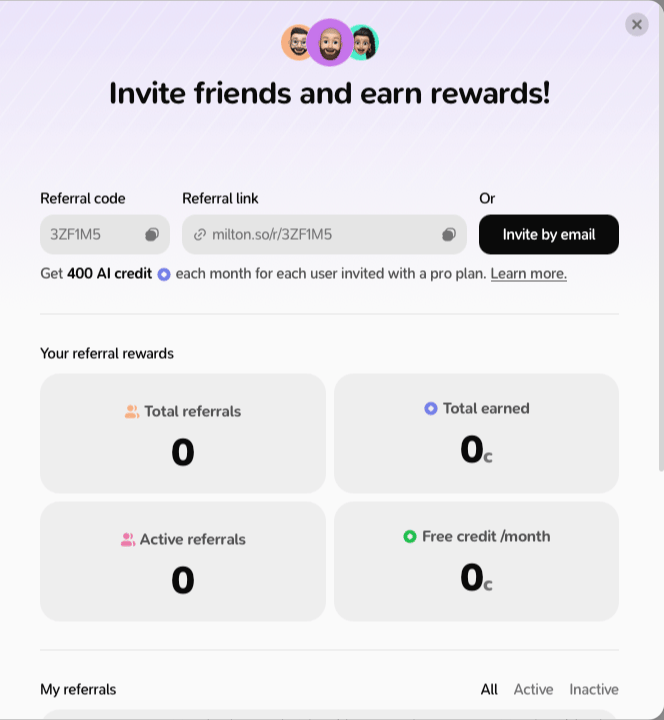
What you earn
- Your friend gets 200 AI credits as soon as they use your code.
- If your friend subscribes after using your code, you both get 400 credits every 30 days while they stay subscribed, up to 12 times.
- Referral credits never expire and work on the free plan too.
Use a code someone gave you
- During setup, type it on the Have a code? step and click Use code.
- Later: open the profile menu, click Enter a code, type it and click Submit.
- Or just open their
milton.so/r/…link and sign in: the code is applied for you.
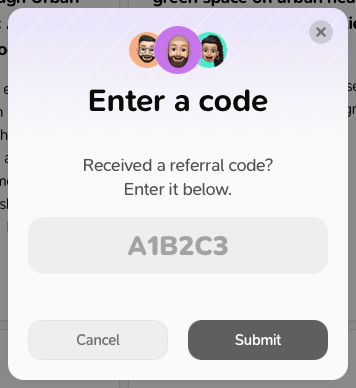
You can only use one referral code, ever, and not your own.