

Open the milestones
- Open the project and click the Project tab.
- Click Milestones in the column on the left, under Tasks.
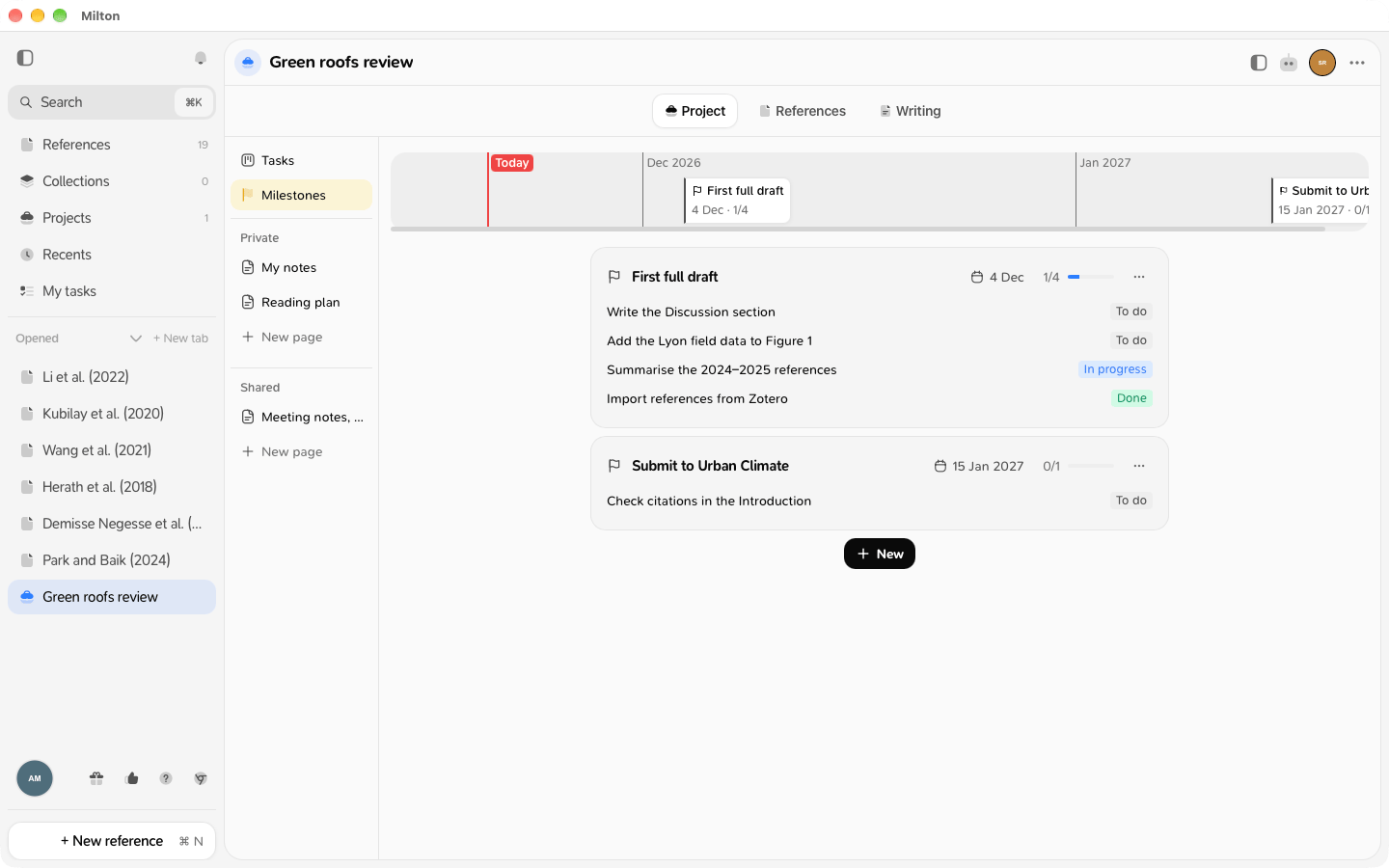
Create a milestone
- Click New.
-
Type its name and press Enter.

-
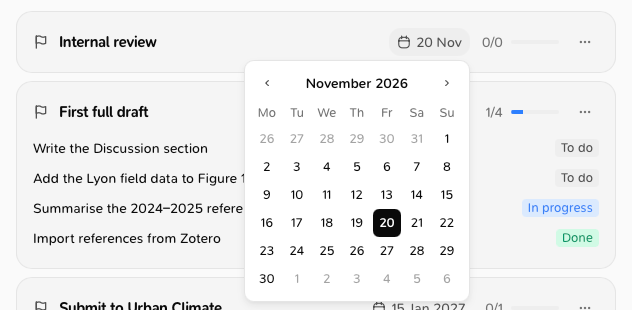
Click its date (today by default) and pick a day in the calendar.
Attach tasks
Open a task and set its Milestone. See Edit a task. A task can belong to one milestone.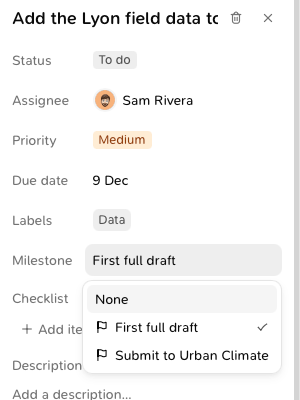
Read the status
- A milestone whose tasks are all done shows in green.
- A milestone whose date has passed with tasks still open shows in red.
Delete a milestone
Choose Delete in its ⋯ menu. Its tasks stay on the board, without a milestone. Click Undo in the “Milestone deleted” message to bring it back with its tasks.Good to know
- In a shared project, co-authors see the same milestones. Viewers can read them but not change them.