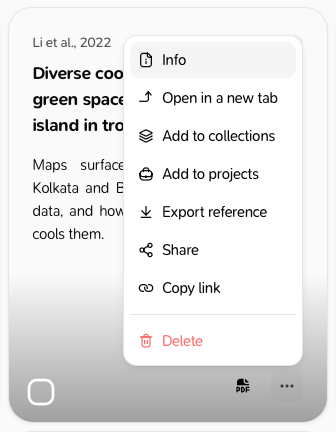
Open the export window
- One reference: open the reference, then ⋯ → Export reference.
- The list you are looking at: on the References page, click More options at the top right, then Export references. Projects and collections have the same item in their menu.
- A selection: select references, then Export.
Copy a bibliography or citations
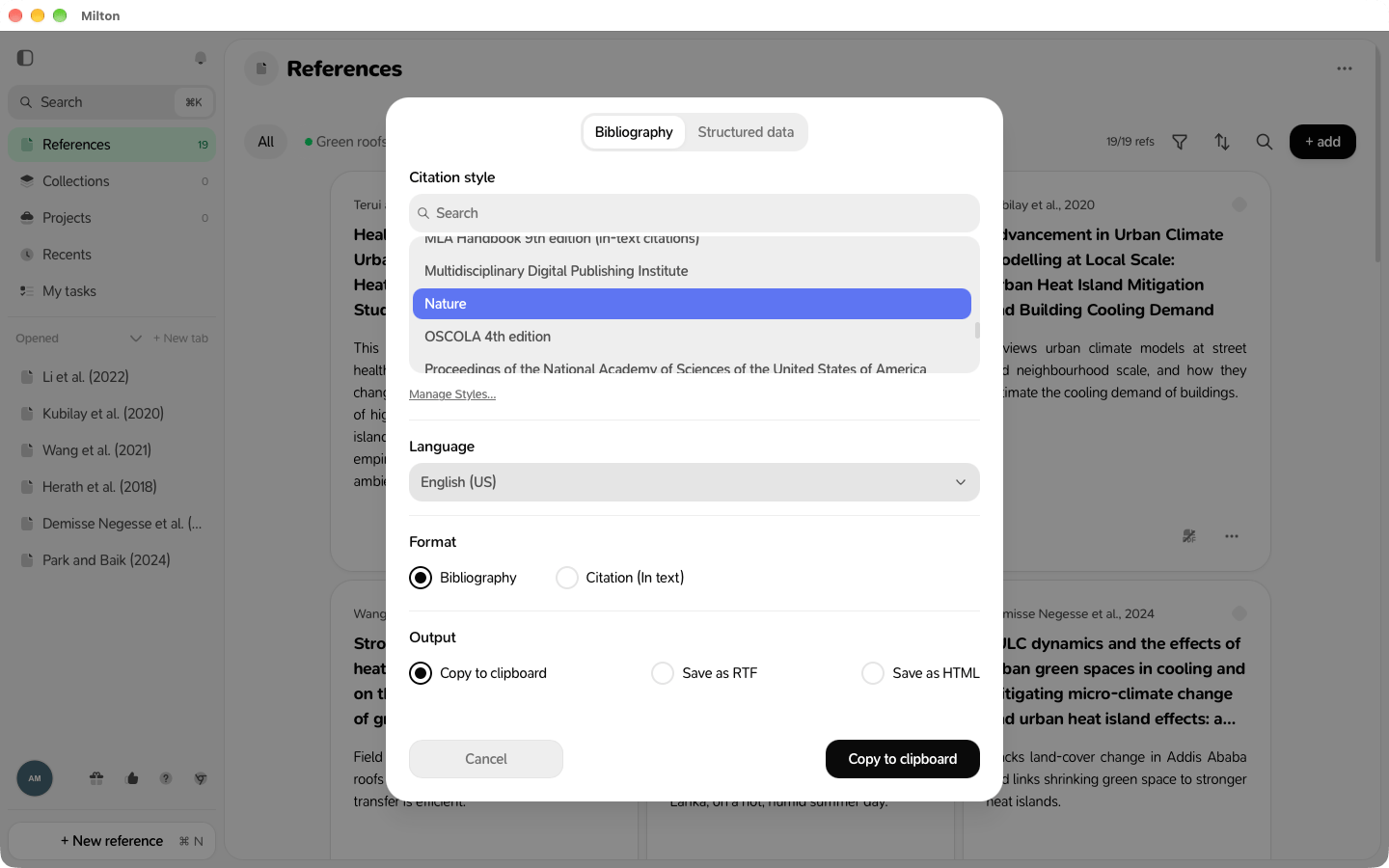
- Stay on the Bibliography tab.
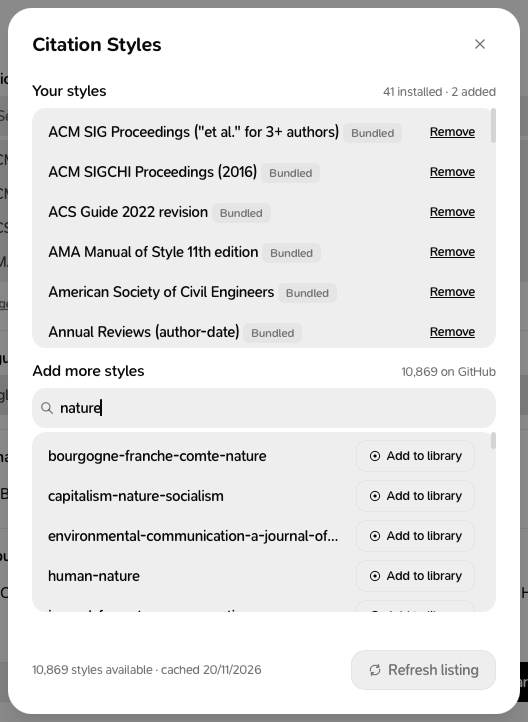
- Choose a Citation style (search by name) and a Language.
- Choose Format: Bibliography or Citation (In text).
- Choose Output: Copy to clipboard, Save as RTF or Save as HTML.
- Check the Preview and click the button.
Export data
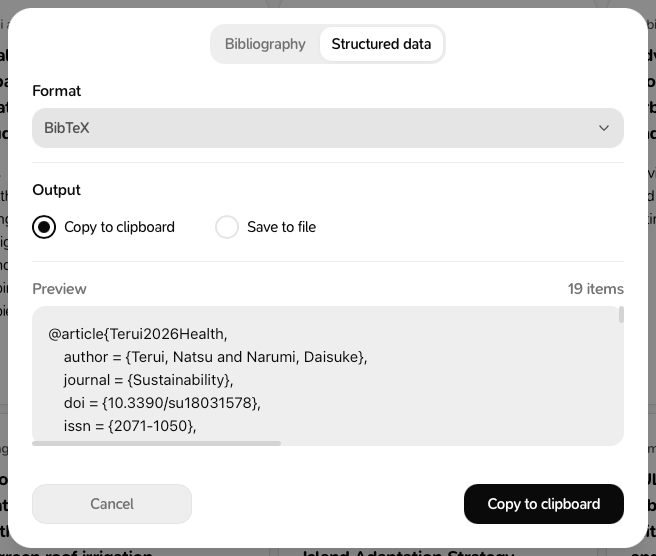
- Click the Structured data tab.
- Choose a format: BibTeX, BibLaTeX, RIS, CSL JSON, CSV, or Notes & highlights (Markdown).
- Choose Copy to clipboard or Save to file.