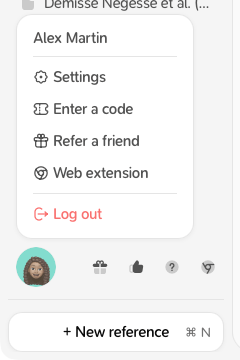
- Go to Settings → Profile.
- Click your picture to change it.
-
Edit Full name, Title or position, Field, Localisation, Orcid ID and Bio.
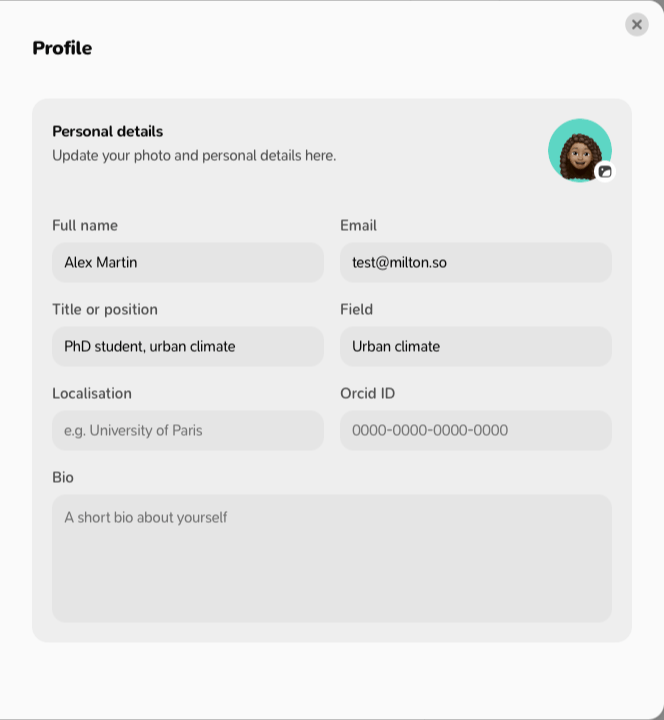
- Click Save profile.
Who sees your picture
Only people who share a project with you. If you haven’t chosen a picture, they see your Google picture (if you signed in with Google) or your initial. When you change it, co-authors see the new one within about 10 minutes. To open Settings: click your picture at the bottom-left of the sidebar, then Settings.